
Last updated November 2, 2026
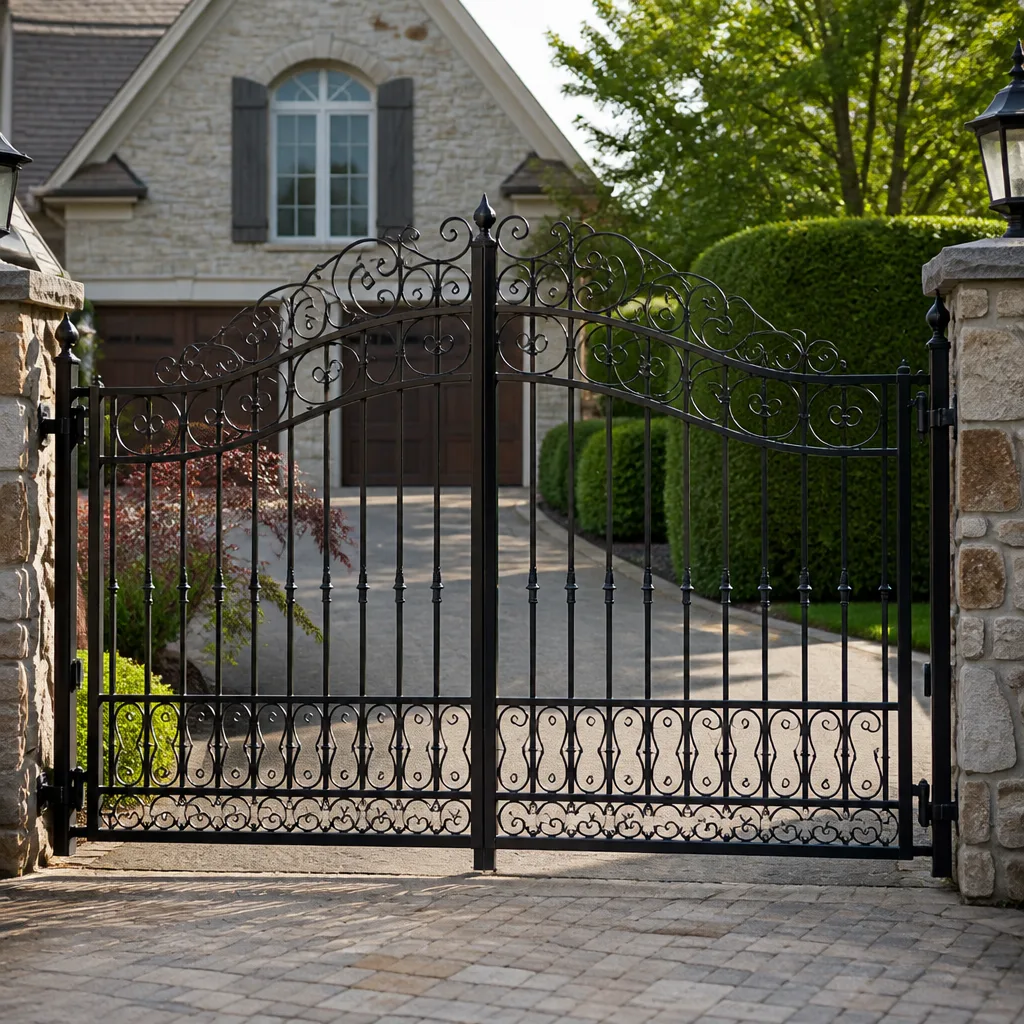 Wrought iron
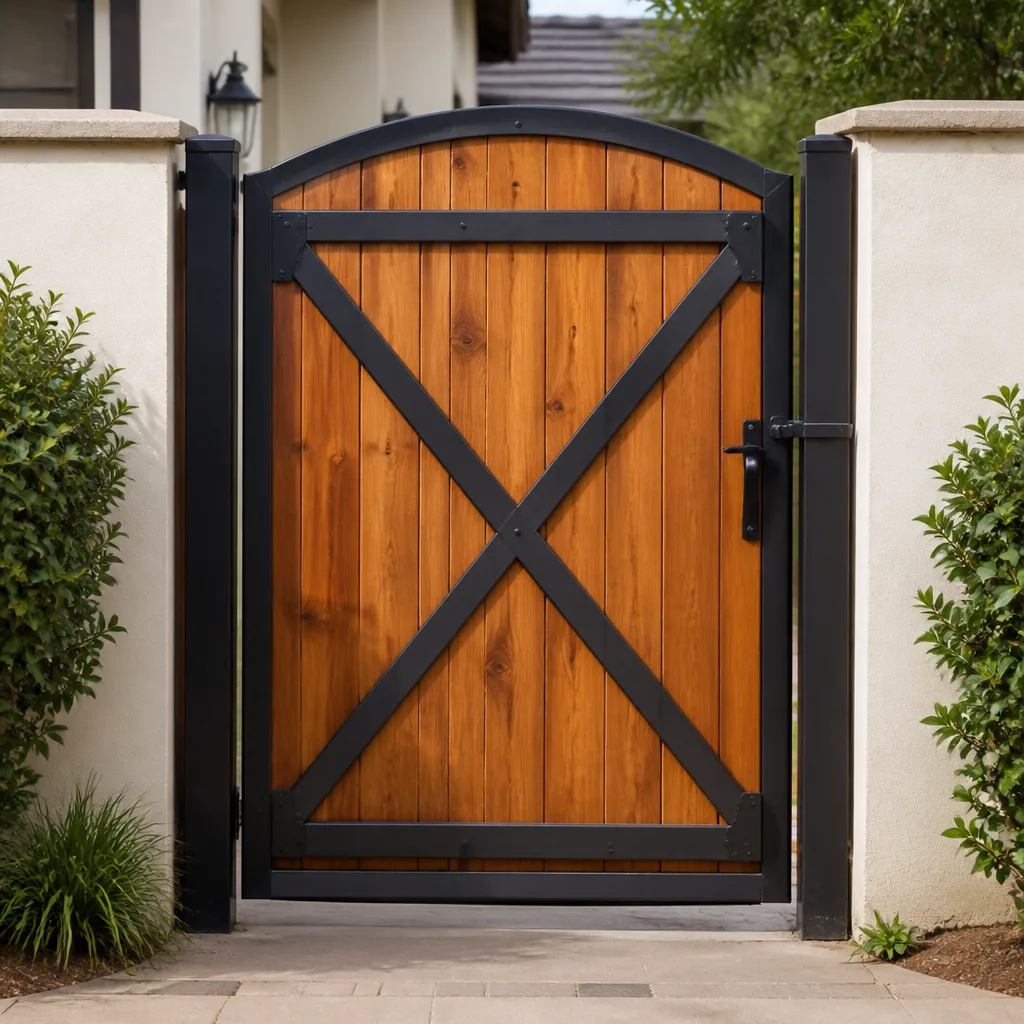 Wood & steel frame
 Farm & ranch
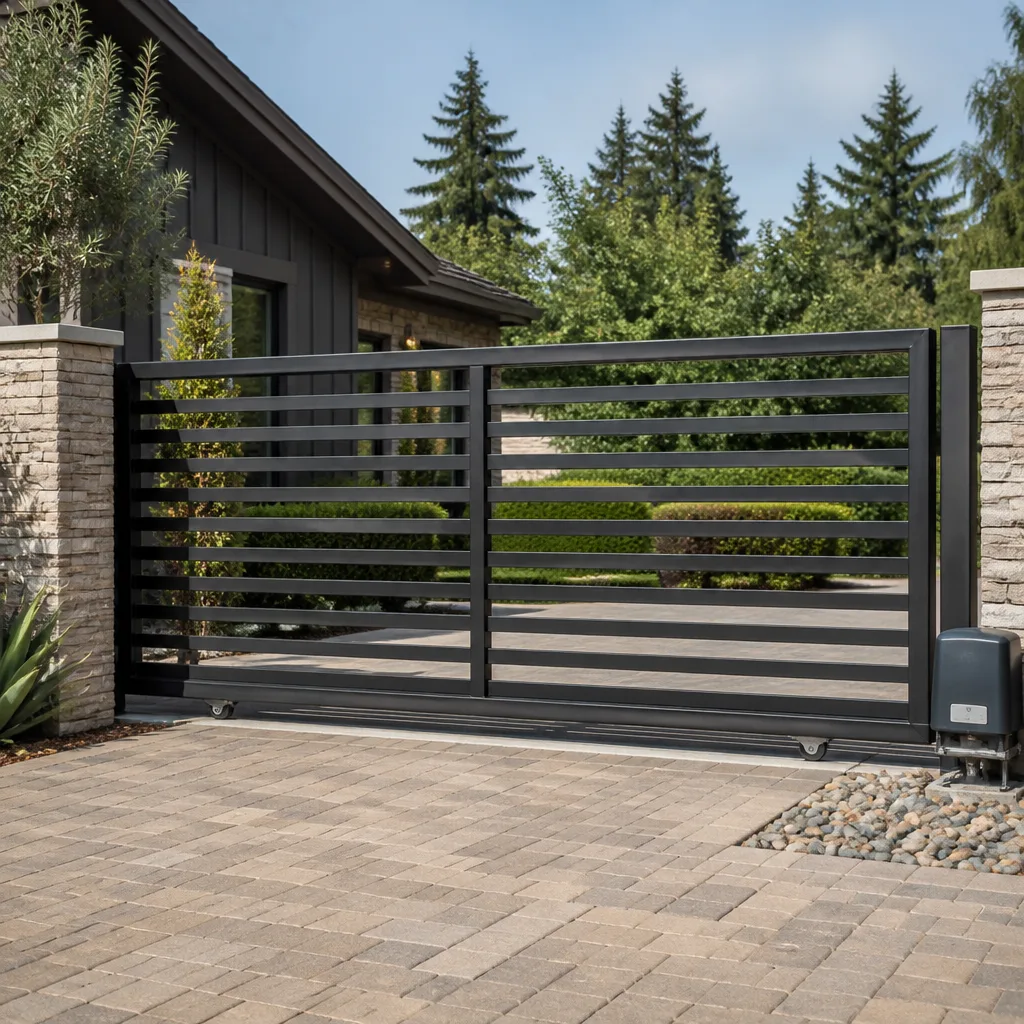 Sliding driveway gates
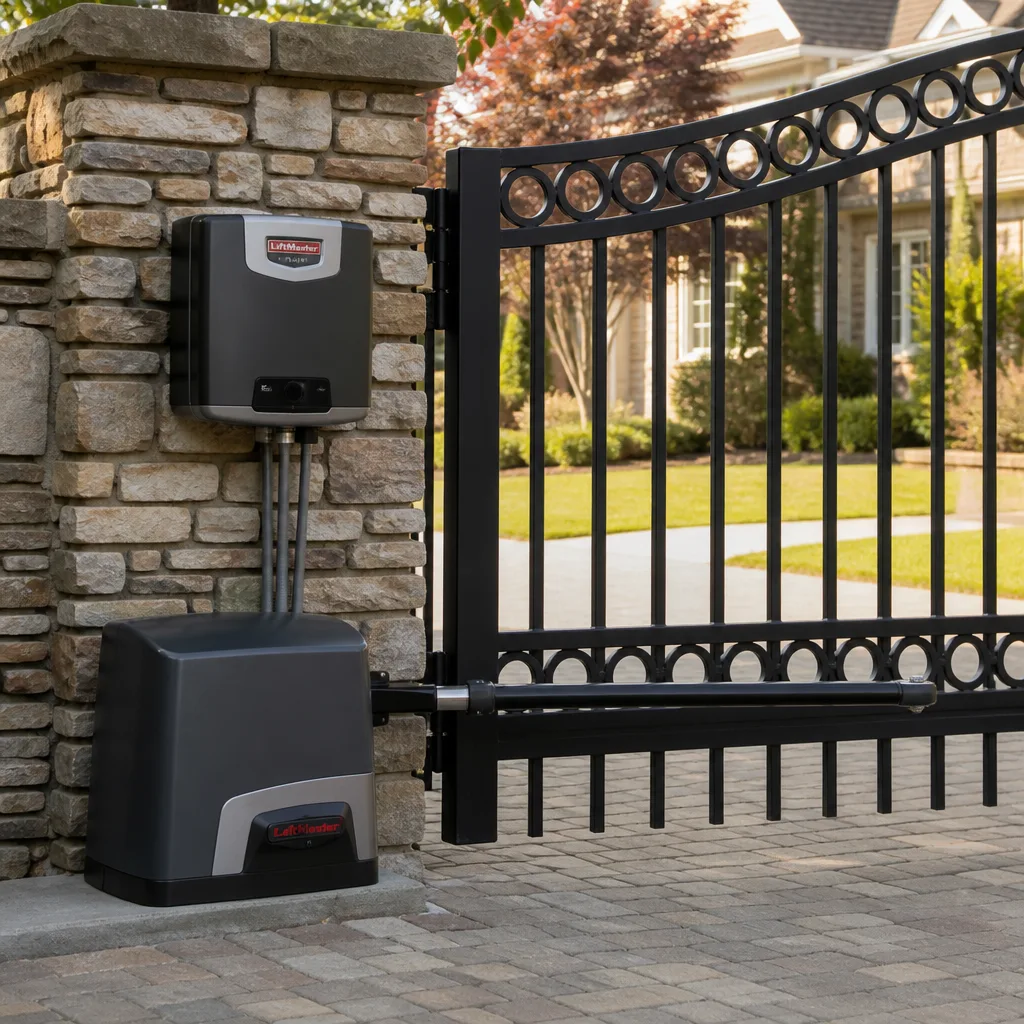 LiftMaster operators
Free on-site gate assessment - hinges, posts, and your LiftMaster or Nice gate operator checked before anything is quoted
The assessment is free and the quote is the invoice.
Get your free estimateGate Repair Troubleshooting: Common Problems and How to Fix Them
A gate that reverses before closing looks like a sensor problem, feels like a motor problem, and is actually an obstacle detection setting about 60% of the time. Most homeowners in San Carlos swap out the photo eye sensor, spend $80 to $200 on the part, and the gate still misbehaves a week later. This guide walks you through the same diagnostic sequence our technicians use on service calls across the Peninsula, so you can rule out causes in the right order and avoid replacing parts that were never broken.
Styles & brands we work with
- Wrought iron
- Wood & steel frame
- Farm & ranch
- Sliding driveway gates
- LiftMaster operators
Quick Answer
Our Gate Repair services start with identifying the exact symptom, then ruling out causes in order: power supply, remote or keypad signal, safety sensors, limit switches, and finally the motor or control board. Most gate failures fall into five symptom categories: won’t open, won’t close, reverses mid-cycle, opens slowly, or beeps without moving. Each has a specific diagnostic path, and about 40% of the calls we handle in San Carlos require no parts replacement at all, just a settings correction or a cleaning.
Table of Contents
- The Five-Symptom Decision Tree: Start Here
- Soft Faults vs. Hard Faults: What Your Control Board Is Telling You
- Gate Won’t Open: The Correct Diagnostic Order
- Gate Won’t Close: Sensors, Limits, and Obstructions
- Gate Reverses Mid-Cycle: The Most Misdiagnosed Problem
- Gate Opens Slowly: Mechanical Binding vs. Electrical Failure
- Gate Beeps But Doesn’t Move: Reading the Warning Signals
- Common Mistakes to Avoid
- When to Call a Professional
- Frequently Asked Questions
- The Bottom Line
The Five-Symptom Decision Tree: Start Here
Every gate problem, no matter the brand, falls into one of five symptom categories. Before touching any component, identify which category you’re in. The fix for “won’t open” is completely different from “reverses mid-cycle,” and confusing the two is where most wasted money happens.
- Won’t open at all: No movement, no sound, or a hum with no motion. Most likely: power interruption, blown fuse, dead remote battery, or a failed capacitor.
- Won’t close: Opens fine but refuses to close, or closes partway and stops. Most likely: blocked or misaligned photo eye sensor, obstruction in the gate path, or a bad limit switch.
- Reverses mid-cycle: Starts closing, hits a certain point, then reverses back open. Most likely: obstacle detection sensitivity set too high, a physical obstruction, or a limit switch problem.
- Opens slowly or weak: Gate moves but struggles, especially on hills or in cold weather. Most likely: low battery on a solar system, mechanical binding in the hinge, or a motor that’s losing torque.
- Beeps but doesn’t move: Control board is powered and responding, but the motor isn’t engaging. Most likely: a safety feature lockout, a fault code, or a capacitor that needs replacing.
We work on your brand. Whether it’s a Linear swing arm in the hills above San Carlos or a Ghost Controls opener on a ranch gate near Crestview, the diagnostic logic is the same. Brand matters for parts and programming, but symptom identification comes first.
Soft Faults vs. Hard Faults: What Your Control Board Is Telling You
Modern gate control boards, including those on Viking and DoorKing systems, distinguish between two types of failures. Knowing the difference saves you from replacing a $400 control board when a 30-second reset would have worked.
A soft fault is a temporary condition. The board detects a problem, logs it, and locks out the motor to prevent damage. Common soft faults include a photo eye that was briefly blocked, a remote signal that was interrupted, or a power fluctuation. The fix is usually simple: clear the obstruction, check the wiring connection, then power-cycle the board by turning off the breaker or disconnecting the battery for 30 seconds. When power returns, the board re-checks all sensors and clears the fault if conditions are normal.
A hard fault is a permanent condition. The board registers a failed component, a short circuit, or an internal error that won’t clear with a reset. If you power-cycle and the same fault code returns immediately, you’re dealing with a hard fault. Continuing to reset the board repeatedly can actually damage it further, especially on newer systems with sensitive microprocessors.
In San Carlos, we see a spike in soft faults after winter storms when debris blows into photo eye paths or when landscape crews bump sensor brackets. Hard faults are more common on systems older than seven years or on installations where water has infiltrated the control box.
How to identify which fault you have:
- Count the blinking pattern on the board’s LED. Most manufacturers use a specific number of blinks to indicate a fault code.
- Check your manual or the sticker inside the control box for the code chart.
- If no code is displayed, try one power-cycle. If the gate works after the reset, it was a soft fault.
- If the same symptom returns within 24 hours, treat it as a hard fault and call a technician before resetting repeatedly.
Gate Won’t Open: The Correct Diagnostic Order
A gate that won’t open is the most urgent symptom for most property owners. Here’s the sequence we follow on a Gate Repair in San Carlos call, in the exact order that eliminates causes fastest.
- Check the power source. Is the transformer plugged in? Is the breaker tripped? On a solar system, is the battery voltage above 12V? We see blown transformers more often than failed motors on residential gates.
- Test the remote. Replace the battery in the remote or test with a second remote or the keypad. If the keypad works but the remote doesn’t, you’ve isolated the problem to the transmitter, not the gate.
- Check the disconnect switch. Every motor has a manual release lever or switch. If it’s in “manual” or “open” mode, the motor won’t engage. This is a 10-second check that saves a service call.
- Listen for a hum. A humming motor that doesn’t move usually indicates a bad start capacitor. This is a common issue on older Linear and Viking openers, and the part is typically under $40.
- Inspect the control board. Look for burnt components, swollen capacitors, or corrosion. If the board shows visible damage, stop and call a technician. Powering a damaged board can cause a short elsewhere.
In the flatlands of San Carlos near Holly Street, the most common cause of “won’t open” is a tripped GFCI outlet. In the hills off Crestview Drive, we see more battery and solar charging issues because those systems have longer wire runs and more exposure to fog and salt air.
Gate Won’t Close: Sensors, Limits, and Obstructions
A gate that opens but won’t close is almost always a safety feature doing its job. The system is designed to refuse closure when something blocks the path or when a sensor isn’t communicating. Here’s what to check, in order of frequency.
Photo eye alignment: The two photo eyes, one on each side of the gate opening, must point directly at each other. A bump from a mower, a loose bracket, or even spider webs inside the lens can break alignment. On Ghost Controls and Mighty Mule systems, a misaligned eye typically triggers a blinking red LED on the receiver side. Clean both lenses, straighten the brackets, and test again.
Obstruction detection settings: If your gate has a sensitivity or obstruction detection dial, it may be set too high. High sensitivity means the board treats minor resistance, like wind or a slight track imperfection, as an obstruction and refuses to close. Lowering the setting slightly often resolves the problem. Make this adjustment in small increments and test after each change.
Limit switch failure: The limit switch tells the board when the gate has reached its fully open or fully closed position. If the “open” limit switch is stuck or failing, the board may think the gate is already open and will not attempt to close it. You can test this by pressing the close button and listening for a relay click in the control box. No click usually means the board isn’t receiving the signal to close.
Physical obstruction: Check the gate track or swing path for rocks, branches, or soil buildup. In San Carlos, we regularly see decomposed granite from landscaping migrate into slide gate tracks after rain. The 30-second test: manually release the gate and push it through its full travel. If it binds anywhere, you’ve found the problem before touching any electrical component.
Gate Reverses Mid-Cycle: The Most Misdiagnosed Problem
This is the symptom that inspired this entire guide. A gate that starts closing, travels partway, then reverses back open. Most people assume the photo eye sensor is bad, replace it, and the problem persists. Here’s what’s actually happening in the majority of cases.
The control board monitors motor current draw during operation. When the gate encounters resistance, the current spikes. The board interprets this spike as “something is in the way” and reverses. The problem is that resistance doesn’t only come from actual obstructions. It can come from:
- Wind pushing against a solid gate panel, especially on large driveway gates exposed to San Carlos afternoon breezes
- A hinge that’s binding at a specific point in the swing arc
- A slide gate wheel that’s worn flat on one side and drags at the same point every cycle
- Temperature changes that cause metal gates to expand and bind against the stop post
The diagnostic fix is to lower the obstruction detection sensitivity, not to replace the sensor. On Linear and DoorKing boards, this is usually a dial or a digital setting labeled “force” or “obstruction.” Turn it down 10-15%, test the gate, and observe whether it completes a full cycle.
If adjusting the sensitivity doesn’t work, then test the sensor itself. Most photo eyes have an LED indicator. Block the beam with your hand and confirm the LED changes state. If the LED doesn’t respond, then the sensor is genuinely faulty. But in our experience across hundreds of San Carlos service calls, the sensor is the problem in fewer than 20% of “reversing gate” cases.
Gate Opens Slowly: Mechanical Binding vs. Electrical Failure
A gate that moves but moves slowly has one of two root causes: the motor is underpowered because of an electrical issue, or the gate is physically hard to move because of a mechanical problem. Here’s the 30-second test that tells you which one you’re dealing with.
- Release the manual disconnect. Every automatic gate has a manual release lever, usually on the motor housing.
- Push the gate by hand through its full travel. A properly functioning gate should move smoothly with moderate effort.
- Feel for resistance points. If the gate is hard to move, or if it catches at specific points, the problem is mechanical, not electrical.
If the gate moves freely by hand, the problem is electrical. Common causes include:
- Low battery voltage on solar-powered systems. Batteries older than three or four years lose capacity and deliver reduced voltage to the motor.
- Failing capacitor. The capacitor provides the initial torque boost. When it degrades, the motor starts weak and runs slow.
- Undersized transformer on systems that were installed with a power supply that’s too small for the gate’s weight and travel distance.
- Corroded wiring connections that increase resistance in the circuit. We see this frequently on coastal San Carlos properties where salt air corrodes terminals faster than inland locations.
- Single continuous beep: Usually a safety lockout. The board has detected a fault and is refusing to operate until it’s cleared.
- Two beeps, pause, repeat: Often indicates a photo eye problem or an obstruction detection lockout.
- Three beeps: Frequently signals a low battery condition on solar systems or a power supply issue.
- Rapid beeping: Common on Viking and Ghost Controls boards when a capacitor is failing or a motor winding is damaged.
- Replacing the sensor before checking the sensitivity settings. This is the number one mistake we see. If your gate reverses but the sensor LED changes state when you block the beam, the sensor is working. Adjust the sensitivity before spending money on parts.
- Repeatedly power-cycling a board with a hard fault. Resetting once is diagnostic. Resetting five times is abuse. If the fault doesn’t clear after one reset, stop and call a technician.
- Using WD-40 on gate hinges. WD-40 is a degreaser, not a long-term lubricant. It cleans out existing grease and leaves metal unprotected. Use a silicone-based or lithium-based grease instead.
- Adjusting limit switches without marking the original positions. Take a photo or mark the screw positions before touching anything. Half of our repair calls that follow a DIY limit switch adjustment involve re-setting limits that were moved incorrectly.
- Ignoring a slow-opening gate. Mechanical binding doesn’t fix itself. The longer it goes, the more strain goes into the motor and the more expensive the eventual repair. In San Carlos, where many gates are heavy iron or steel, we see motors burned out because a $20 hinge was left to bind for a year.
- Running a gate on a dead battery for extended periods. On solar systems, a battery that’s consistently below 11.8 volts damages itself permanently. If your gate runs slow and the battery is old, replace the battery before replacing the motor.
If the gate binds when pushed manually, the fix is mechanical. Hinges need lubrication or replacement. Slide gate rollers or wheels need attention. The track may need cleaning or leveling. Lubricating hinges with a silicone-based lubricant twice a year is the single cheapest way to extend the life of any swing gate system in San Carlos.
Gate Beeps But Doesn’t Move: Reading the Warning Signals
A gate that beeps or clicks but doesn’t move is telling you the control board is alive but the motor isn’t receiving power. This narrows the problem to the wiring between the board and the motor, the capacitor, or the motor itself.
The beeping pattern matters. Most modern boards use specific beep sequences to indicate specific faults. Here’s what common patterns mean across major brands:
Check your owner’s manual or the chart inside the control box. If you don’t have the manual, the manufacturer’s website usually has a PDF available by model number.
If the gate beeps when you press the remote but nothing moves, test the capacitor. A bad capacitor is the single most common cause of “beeps but doesn’t move” on residential gate systems, and it’s a repair that costs far less than a motor replacement. On Electric Gate Repair in San Carlos calls, we replace capacitors regularly on systems from every brand, including high-end estate gates on the west side of town.
Common Mistakes to Avoid
When to Call a Professional
Some problems are safe and sensible to troubleshoot yourself. Others are not. Call a professional if you see burnt components on the control board, if you hear grinding or screeching from the motor, if the gate trips the breaker repeatedly, or if you’ve followed the diagnostic steps above and the problem persists. Gates are heavy, and motors and control boards carry live electrical current. A gate that fails while someone is walking through it is a serious safety hazard.
Gate Repair San Carlos offers free estimates in San Carlos, and our Gate Repair San Carlos home page has more information about our diagnostic approach. Call (855) 395-1573 to schedule a visit. We diagnose first and replace parts only if necessary, and we work on every major brand including LiftMaster, FAAC, BFT, Linear, Viking, Ghost Controls, DoorKing, Elite, and Mighty Mule.
Frequently Asked Questions
In about 60% of cases, the gate reverses because the obstruction detection sensitivity is set too high, not because the sensor is broken. Try lowering the sensitivity setting 10-15% and test. If the problem continues, check the photo eye alignment and clean the lenses. If it still reverses, call a technician to test the sensor and the control board. For a fast diagnosis in San Carlos, call (855) 395-1573.
Most residential gate repairs in San Carlos run between $150 and $450 depending on the part and the labor involved. Simple fixes like cleaning a sensor or adjusting a limit switch are on the lower end. Motor replacements and control board swaps are on the higher end. Free estimates from a specialist ensure you know the exact price before any work starts.
Many simple fixes are DIY-friendly: replacing a remote battery, cleaning photo eye lenses, clearing debris from a slide track, or lubricating hinges. But any work involving control boards, capacitors, or wiring should be done by a trained technician. Improper wiring can damage the board, void your warranty, and create a safety risk. If you’re unsure, call (855) 395-1573 for guidance before opening the control box.
Listen for sounds. A motor that hums but doesn’t turn is usually a capacitor problem, not a motor failure. A board that clicks when you press the remote but doesn’t send power to the motor could be a board failure or a wiring issue. The definitive test requires a multimeter and knowledge of the specific board’s test points. If you don’t have both, call a technician.
Gate Repair San Carlos works on nine major gate brands: LiftMaster, FAAC, BFT, Linear, Viking, Ghost Controls, DoorKing, Elite, and Mighty Mule. We’re gate-only specialists, which means our technicians see these systems every day, not once in a while.
Yes. Gate Installation in San Carlos covers everything from new swing and slide gates to complete automation systems, including access control and keypad entry. If your existing gate has reached the point where repair costs exceed replacement value, we’ll recommend the right new system for your property and budget.
The Bottom Line
The most expensive gate repair mistake isn’t ignoring a problem, it’s misreading the symptom and replacing the wrong component. Start with the decision tree: identify the exact symptom, rule out power and signal issues, test mechanical movement manually before touching electrical components, and don’t replace sensors or boards without confirmation. About 40% of the gate problems we see in San Carlos require no new parts at all, just a cleaning, an adjustment, or a reset. When you do need parts, work with a specialist who knows your brand and can diagnose the issue on the first visit. See How to Hire a Gate Repair Contractor in San Carlos: A Step-by-Step Guide to find a qualified technician who saves you money in the long run by fixing the actual problem, not the symptom.
Written by the team at Gate Repair San Carlos, serving San Carlos since 2017. Explore more guides & resources.
See the difference
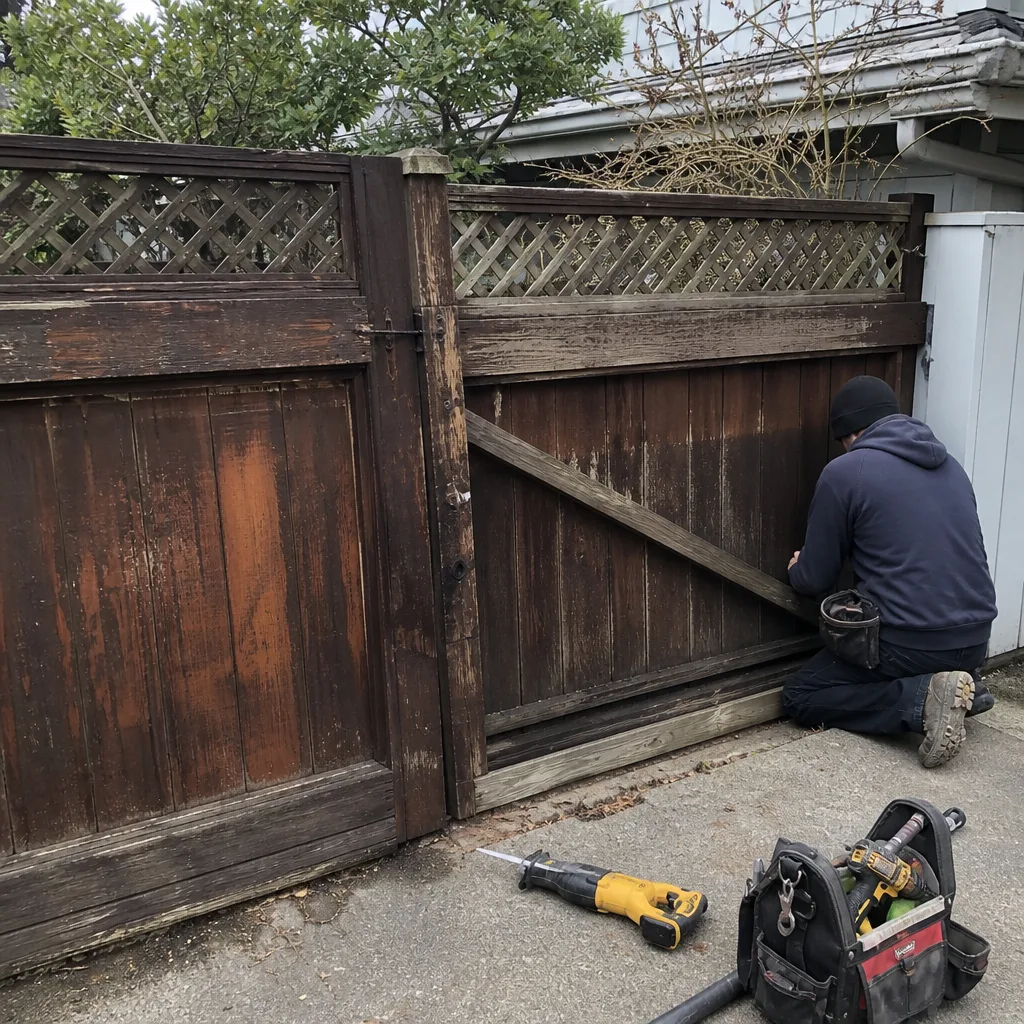
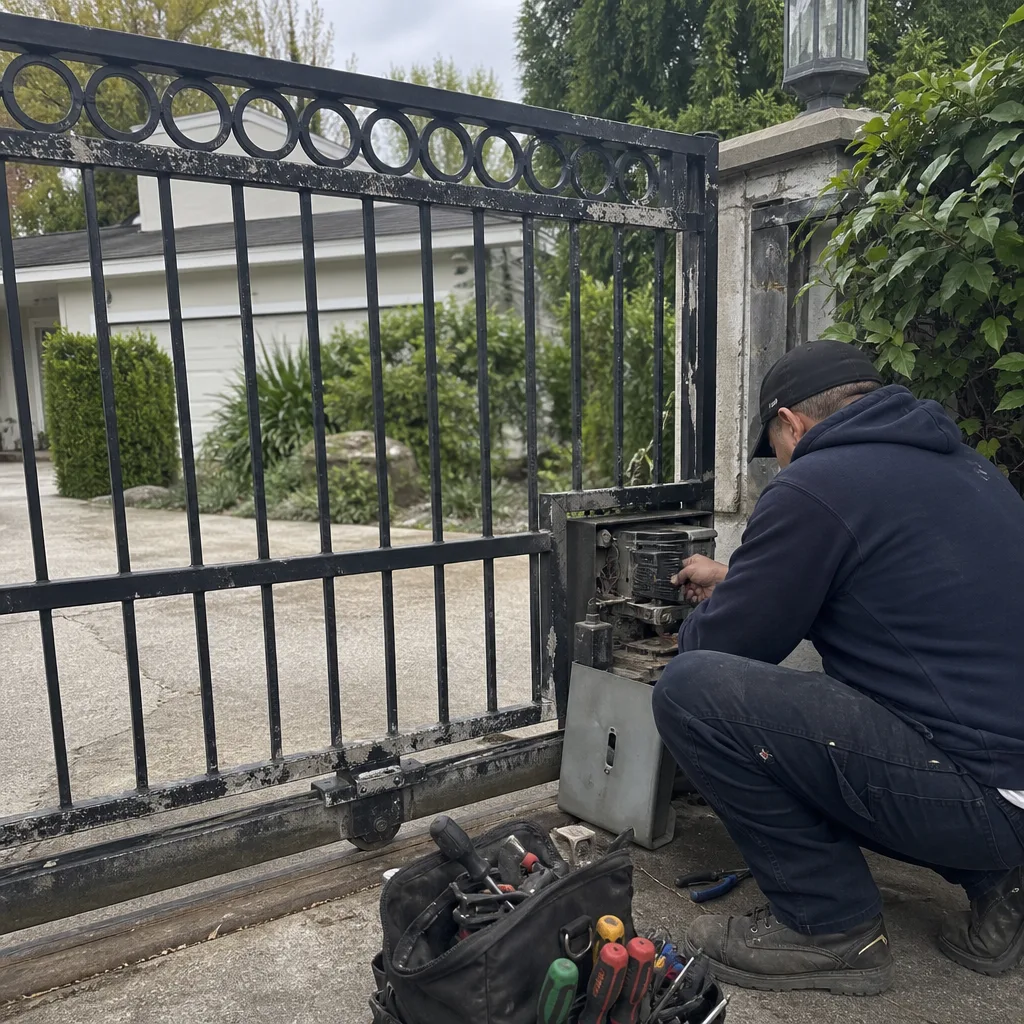 Before
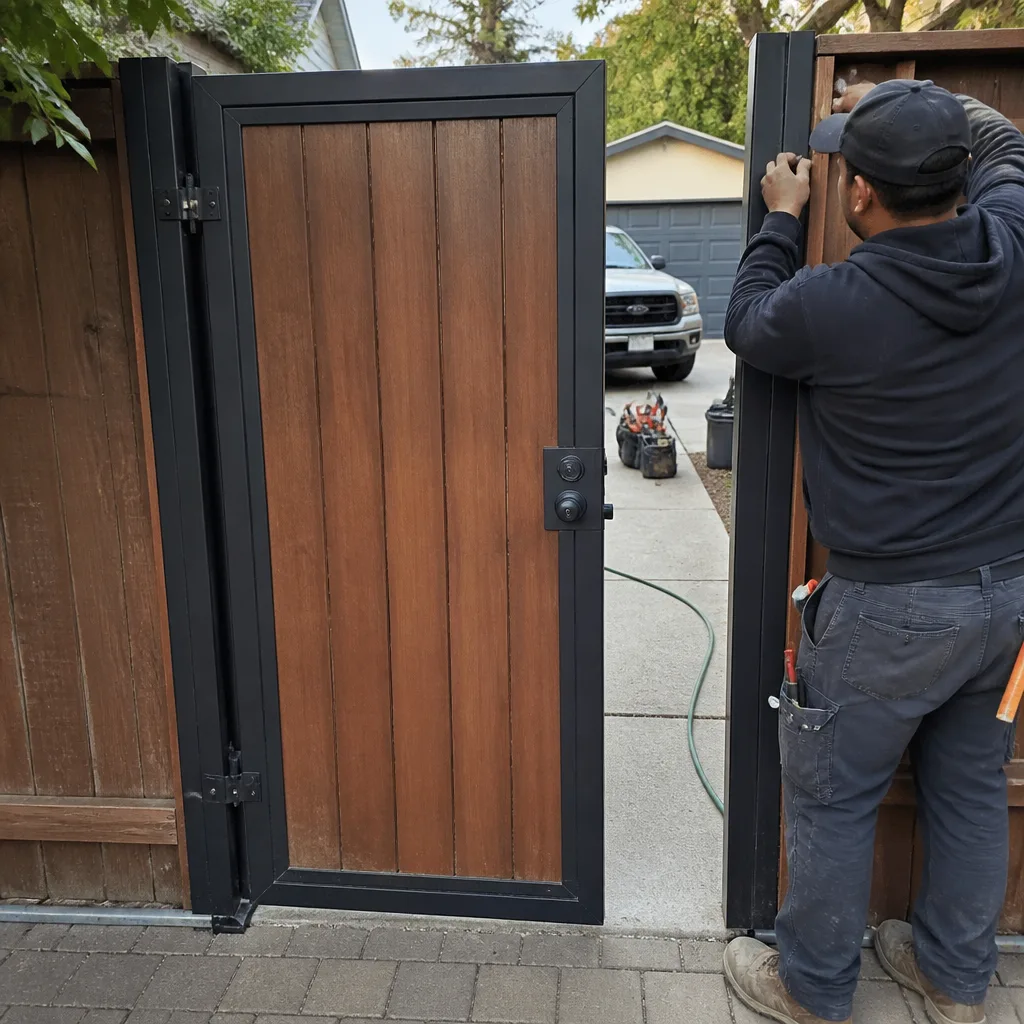
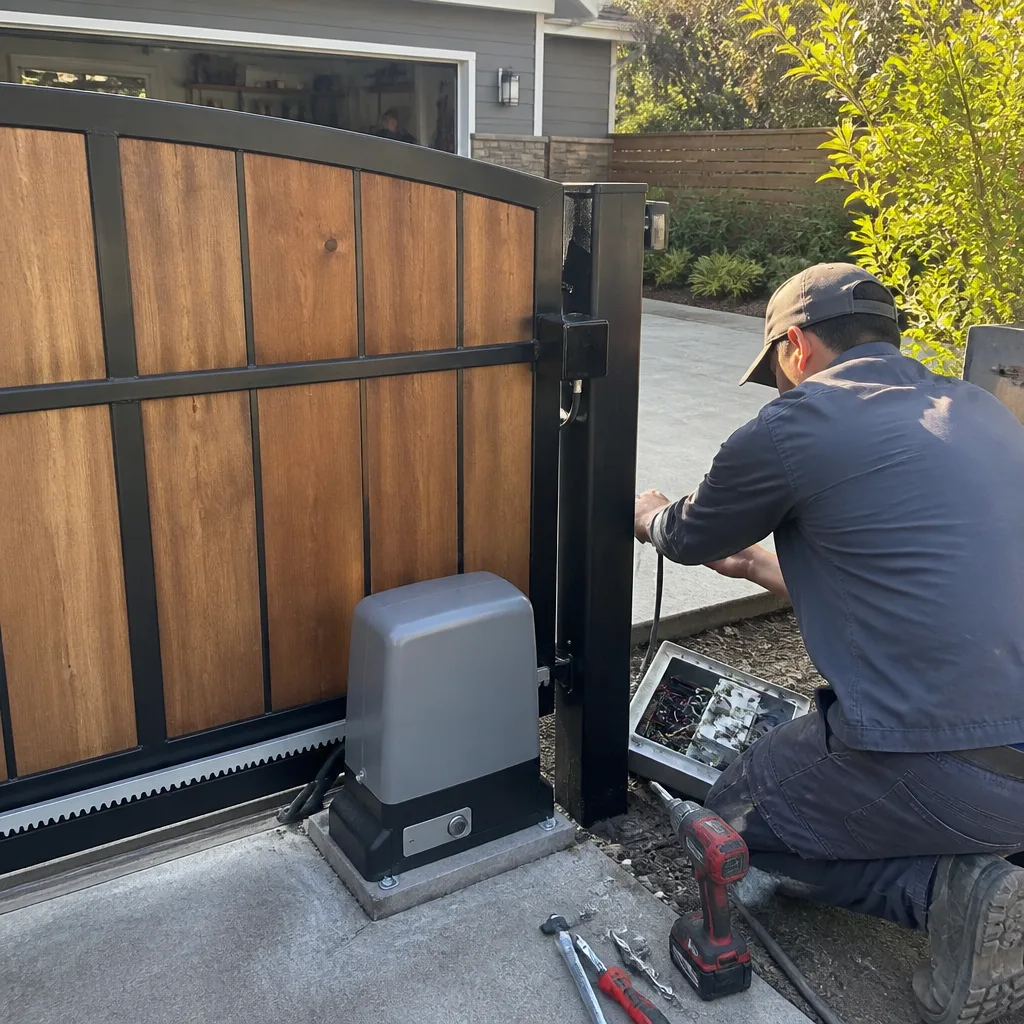 After
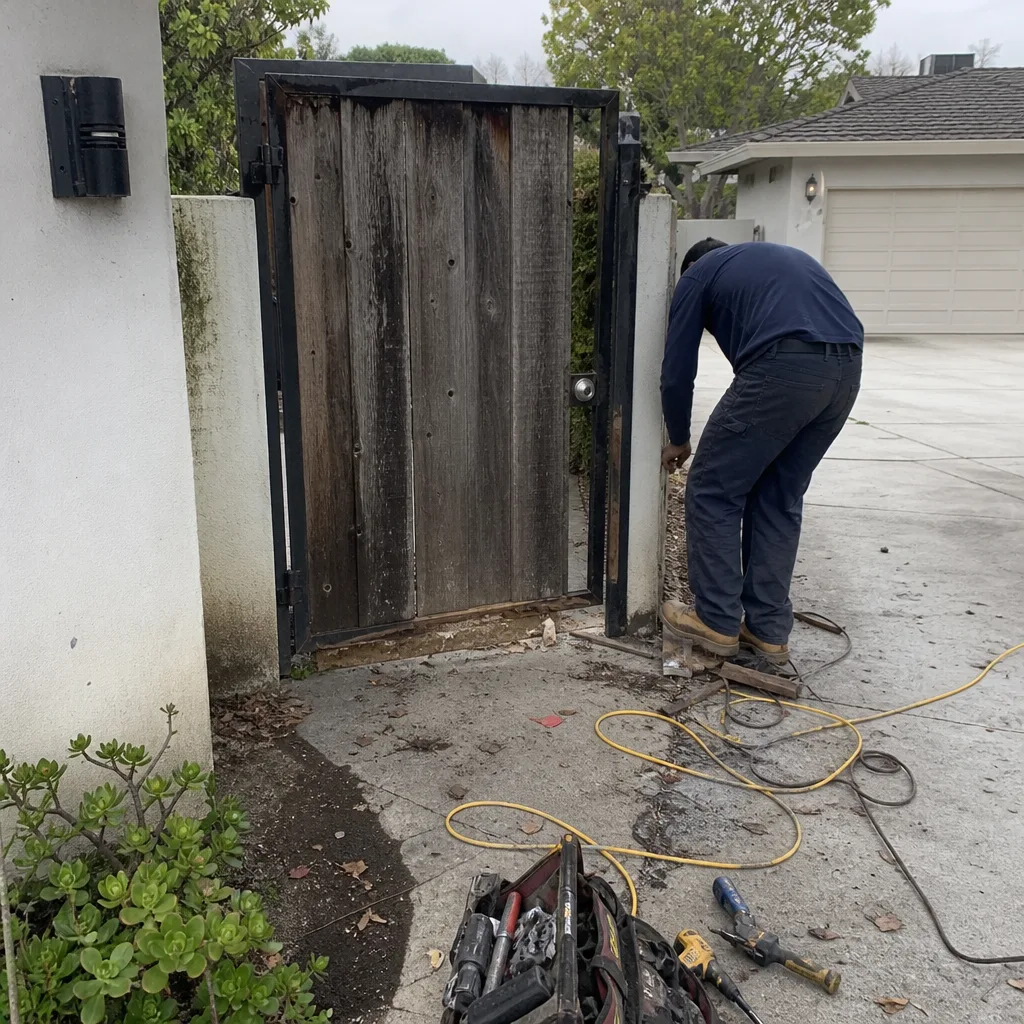 Before
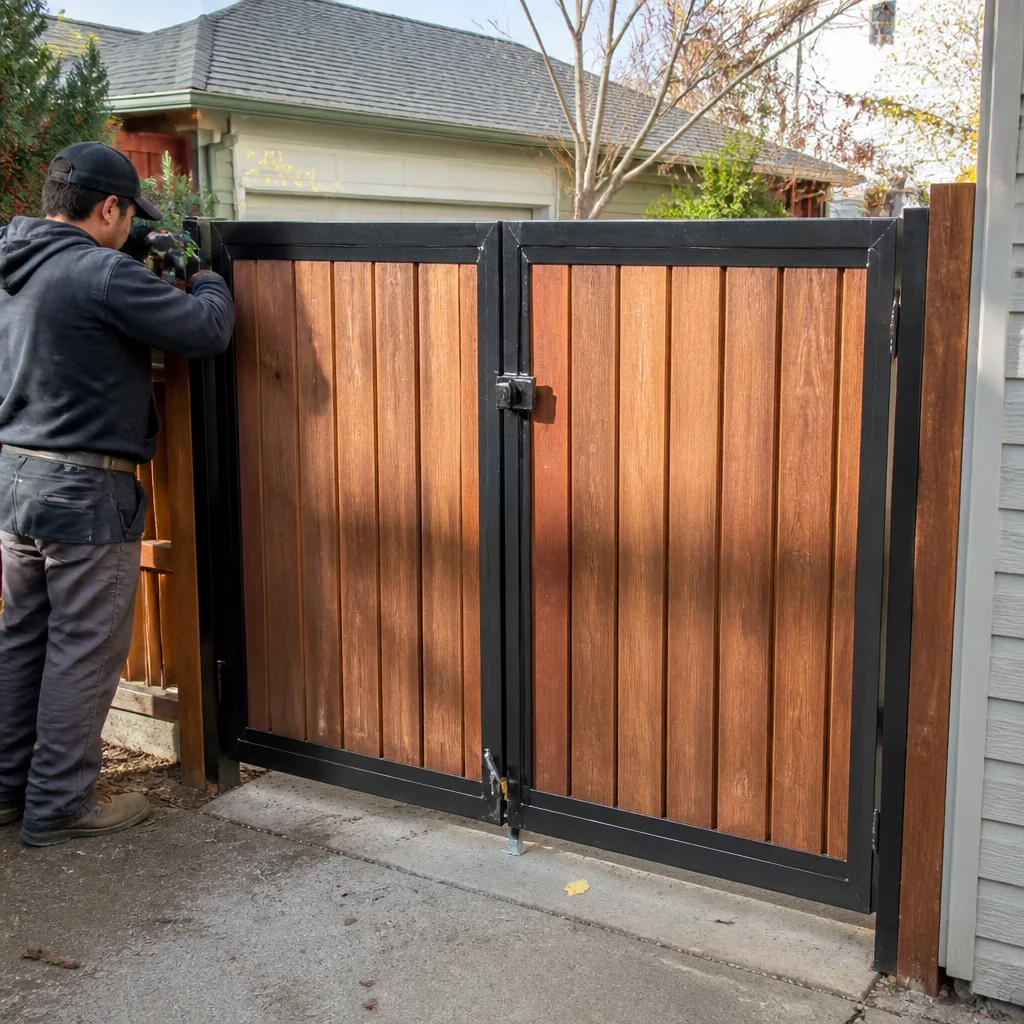 After
 Before
 After